FRAGPUNK Pixel Aim-1PC
FRAGPUNK Pixel Aim-1PC Price range: $25 through $45
Back to products
Stealth SSD's
Stealth SSD's Price range: $40 through $199

VX Fortnite-DMA

You need to buy DMA Board to use this cheat.
You run the cheat on the sub PC and Game on the main PC. So it’s 100% undetectable.

Security – ⭐⭐⭐⭐⭐
Functionality – ⭐⭐⭐⭐⭐

Cheat Status – [Never Detected]

 Windows – 10 / 11
 CPU – Intel & AMD
 Game Mode – Borderless / Windowed / Fullscreen
 Spoofer – Not Included

Price range: $5 through $250

Description

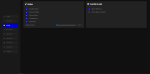
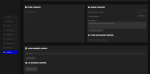
AIM

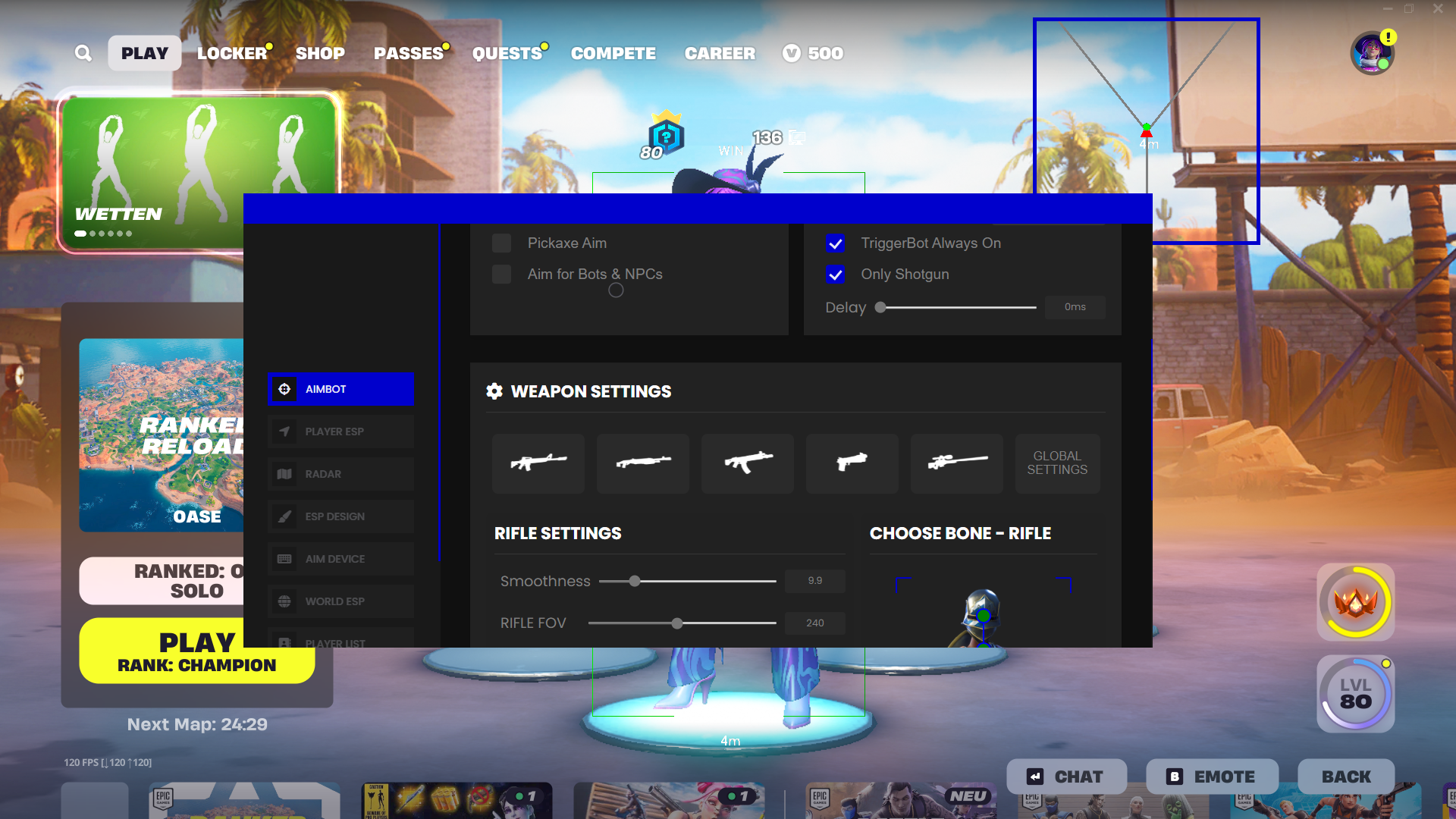
◼ Enable Aimbot: Toggle aimbot functionality.
◼ Second Aim Key: choose a second aim key.
◼ Stand Visibility Check: Checks if the target is visible.
◼ Pickaxe Aim: Enables aimbot support for pickaxe attacks.
◼ Bot Aim: Targets AI-controlled characters.
◼ Trigger Bot: Automatically fires when a target is in the crosshair.
◼ Trigger Bot Always On: Keeps Trigger Bot active at all times.
◼ Only Trigger Shotgun: Restricts Trigger Bot to shotguns.
◼ Aim Key: Configurable key binding to activate the aimbot.
◼ Trigger Key: Key binding for activating Trigger Bot.
◼ Trigger Delay: Sets the delay before Trigger Bot fires.

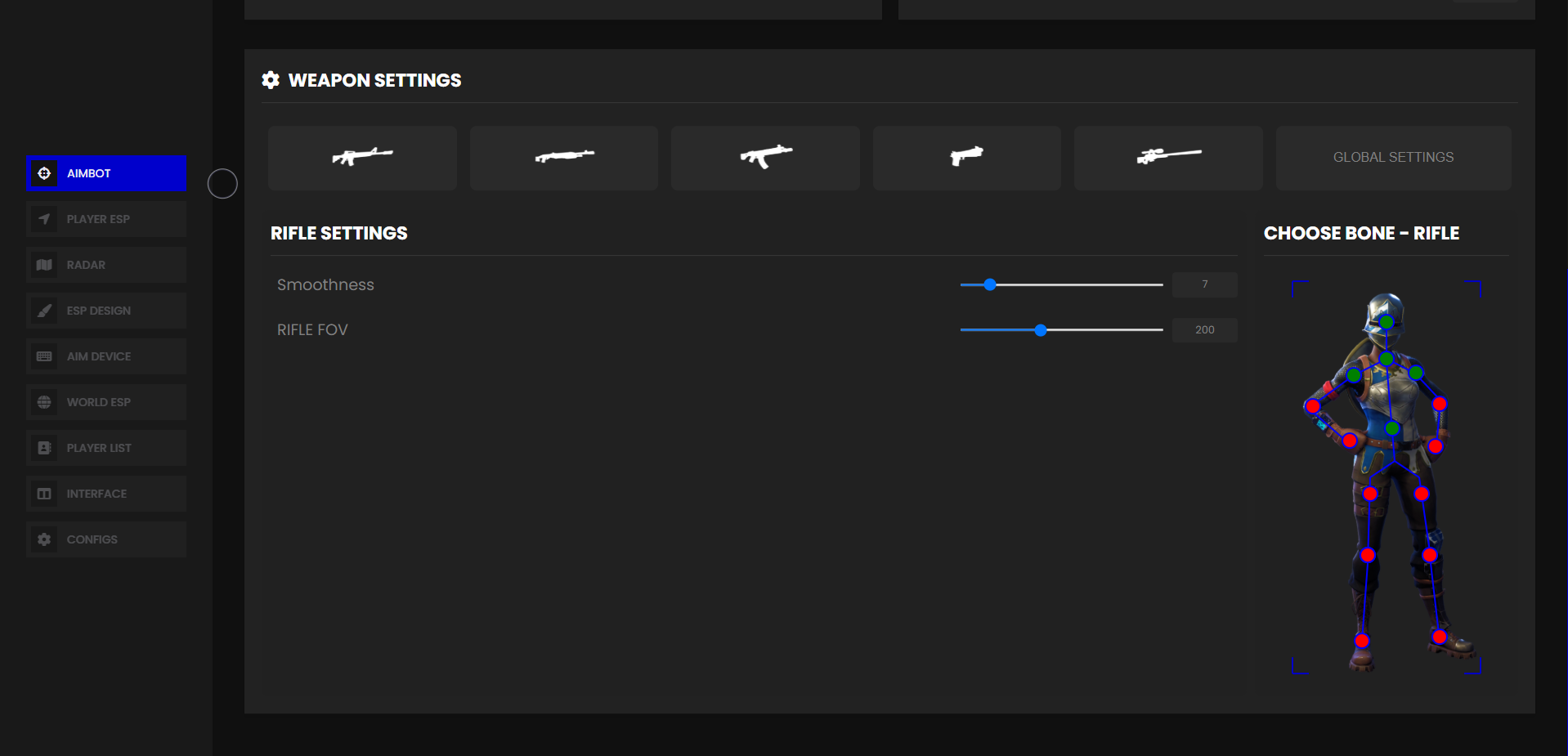
◼ Default Aimbot Targeting
Head
Neck
Upper Arm Left / Right
Left / Right Elbow
Left / Right Hand
Hip
Right / Left Thigh
Right / Left Calf
Right / Left Foot

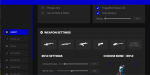
◼ Weapon-Specific Aimbot Targeting
Rifle Config: Custom targeting points for rifles.
Shotgun Config: Custom targeting points for shotguns.
SMG Config: Custom targeting points for SMGs.
Pistol Config: Custom targeting points for pistols.
Sniper Config: Custom targeting points for snipers.

◼ Each weapon configuration includes:
Head, Neck, Upper Arm Left / Right, Elbows, Hands, Hip, Thighs, Calves, Feet
Field of View (FOV) Settings
General Aim FOV: Adjusts FOV for general aiming.
Rifle Aim FOV: Adjusts FOV for rifles.
Shotgun Aim FOV: Adjusts FOV for shotguns.
SMG Aim FOV: Adjusts FOV for SMGs.
Pistol Aim FOV: Adjusts FOV for pistols.
Sniper Aim FOV: Adjusts FOV for snipers.

◼ Aim Smoothing Settings
General Aim Smoothing: Adjusts aim smoothness for all weapons.
Rifle Aim Smoothing: Adjusts aim smoothness for rifles.
Shotgun Aim Smoothing: Adjusts aim smoothness for shotguns.
SMG Aim Smoothing: Adjusts aim smoothness for SMGs.
Pistol Aim Smoothing: Adjusts aim smoothness for pistols.
Sniper Aim Smoothing: Adjusts aim smoothness for snipers.

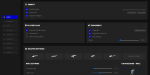
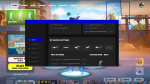
VISUAL

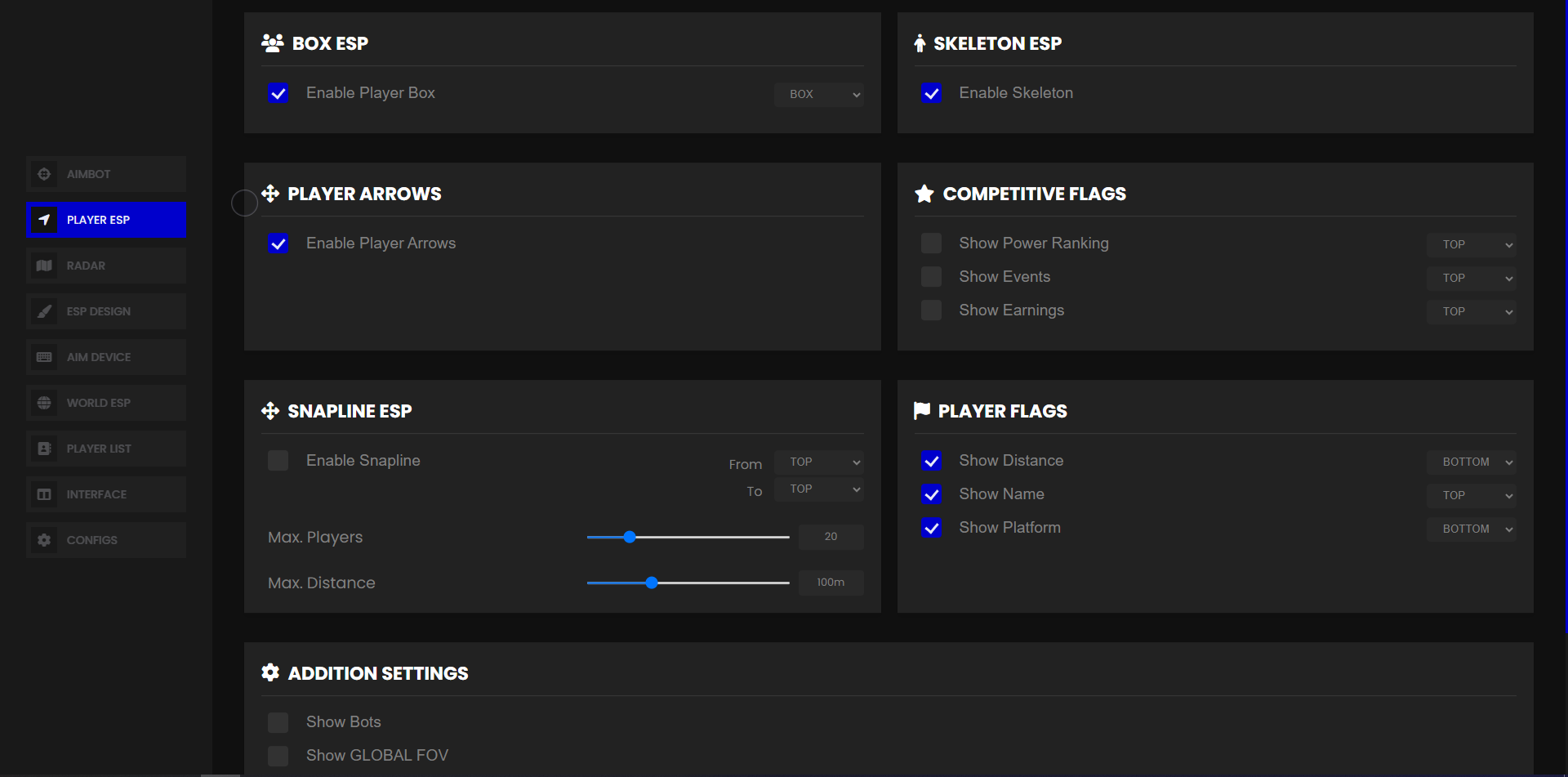
◼ Show Power Ranking: Displays the player’s power ranking points.
◼ Show Earnings: Shows the total earnings of the player.
◼ Show Played Events: Displays the number of events the player has participated in.
◼ Show Aim FOV: Displays the aim FOV circle.
◼ No Default FOV: Disables the default FOV circle.
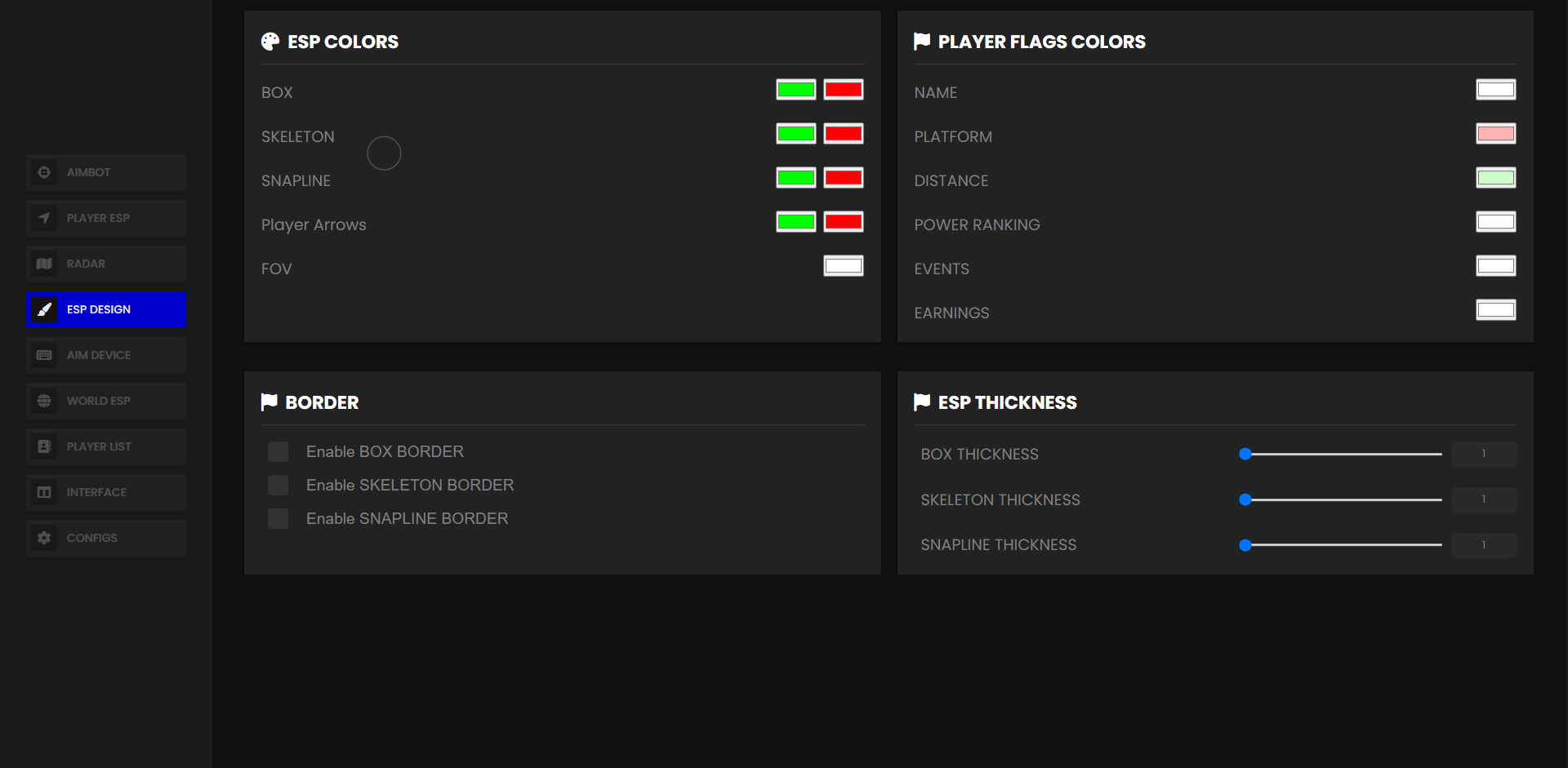
◼ Box: Toggles player boxes.
◼ Skeleton: Toggles player skeletons.
◼ Distance: Displays distance to players.
◼ Show Bots: Displays AI-controlled characters.
◼ Snapline: Toggles snaplines to players.
◼ Show Name: Displays player names.
◼ Show Platform: Displays platform information.
◼ Box Border: Displays borders around boxes.
◼ Skeleton Border: Displays borders around skeletons.
◼ Snapline Border: Displays borders around snaplines.
◼ ESP Distance: Sets the maximum distance for ESP rendering.
◼ Max Box Skeleton Players: Limits the number of players displayed for box/skeleton rendering.
◼ Snapline Distance: Sets the maximum distance for snaplines.
◼ Max Snapline Players: Limits the number of players displayed for snaplines.
◼ Snapline From: Defines the snapline origin point.
◼ Snapline To: Defines the snapline target point.


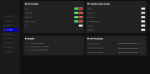
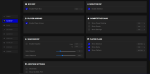
MISC

◼ Performance mode [ For low end pc and slow DMA cards ]
◼ Software Maximum Distance
◼ Transparent screen [ For Fuser/HDMI combiner ]
◼ KMBOX B+/BPRO
◼ KMBOX NET
◼ ARDUINO
◼ MAKCU
◼ TEENSY


RADAR

◼ Radar Settings

◼ Enable Radar: Toggles radar visibility.
◼ Radar Outline Box: Displays an outlined radar box.
◼ Radar Filled Box: Displays a filled radar box.
◼ Radar Inline: Shows inline radar elements.
◼ Radar Arrow: Displays directional arrows on the radar.
◼ Radar Distance: Displays distance to targets.
◼ Show Bots on Radar: Displays AI-controlled characters on radar.
◼ Radar Zoom: Adjusts the radar zoom level.

Customer Reviews

0 reviews
0
0
0
0
0

There are no reviews yet.

Only logged in customers who have purchased this product may leave a review.